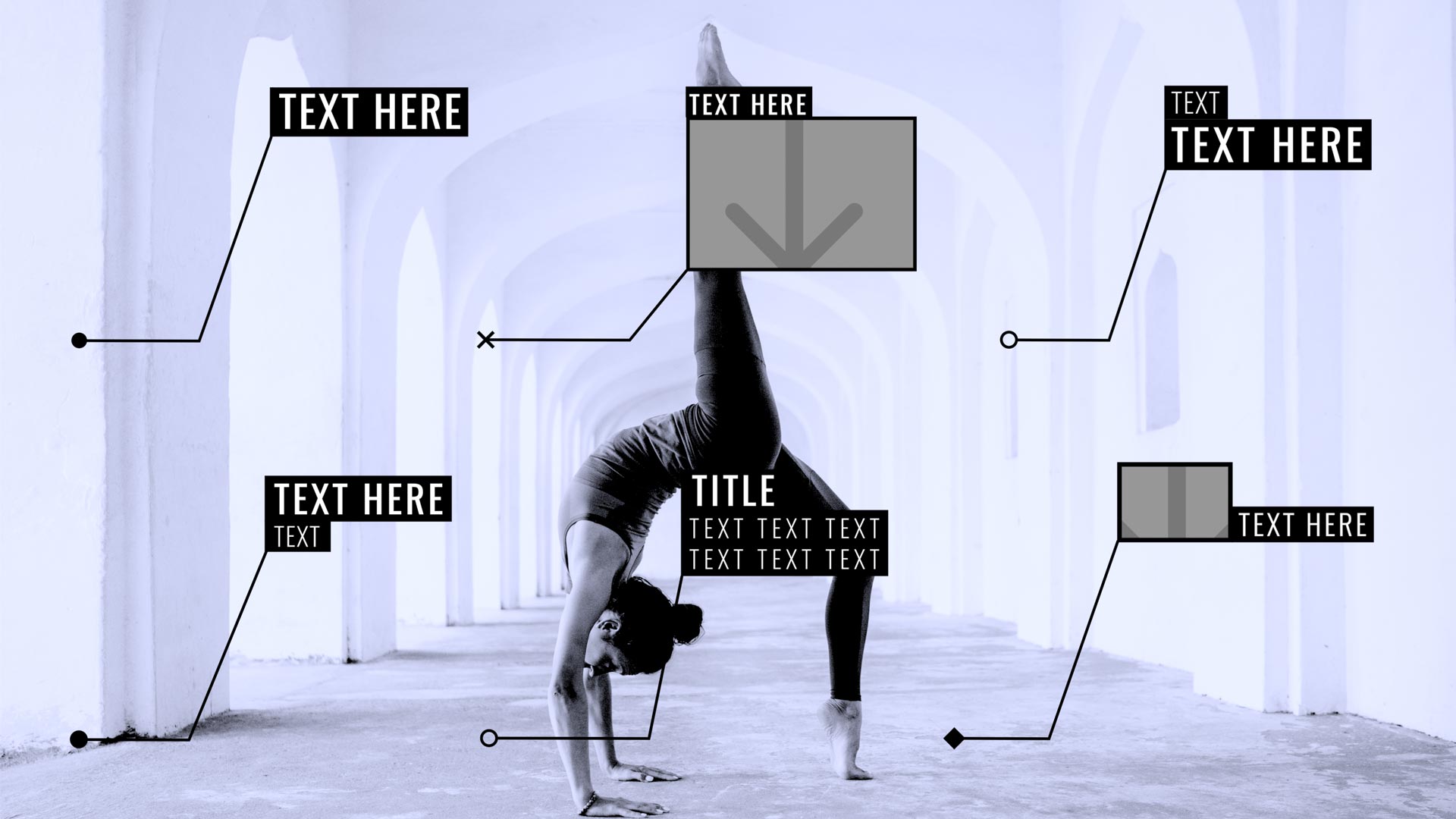
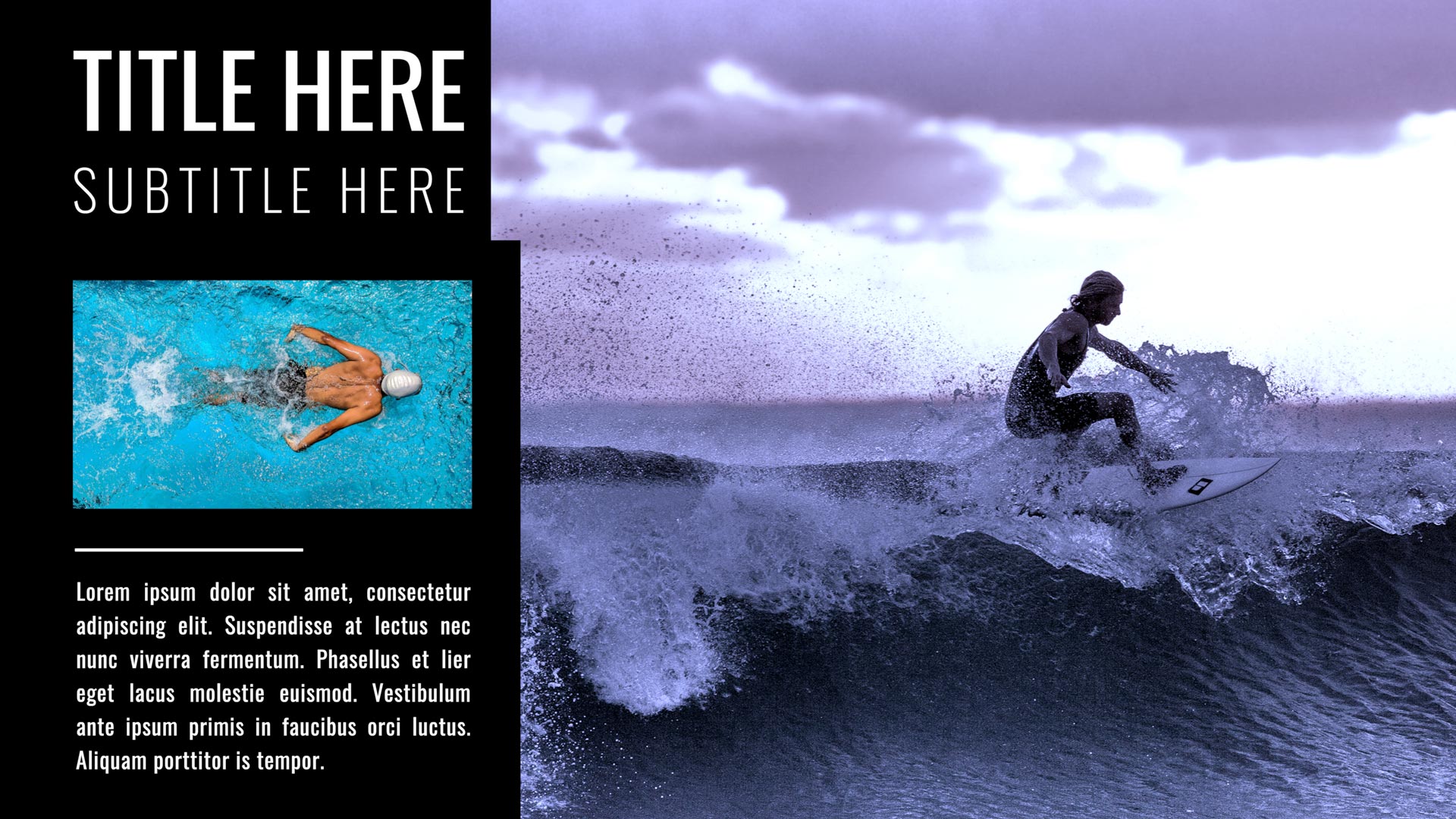
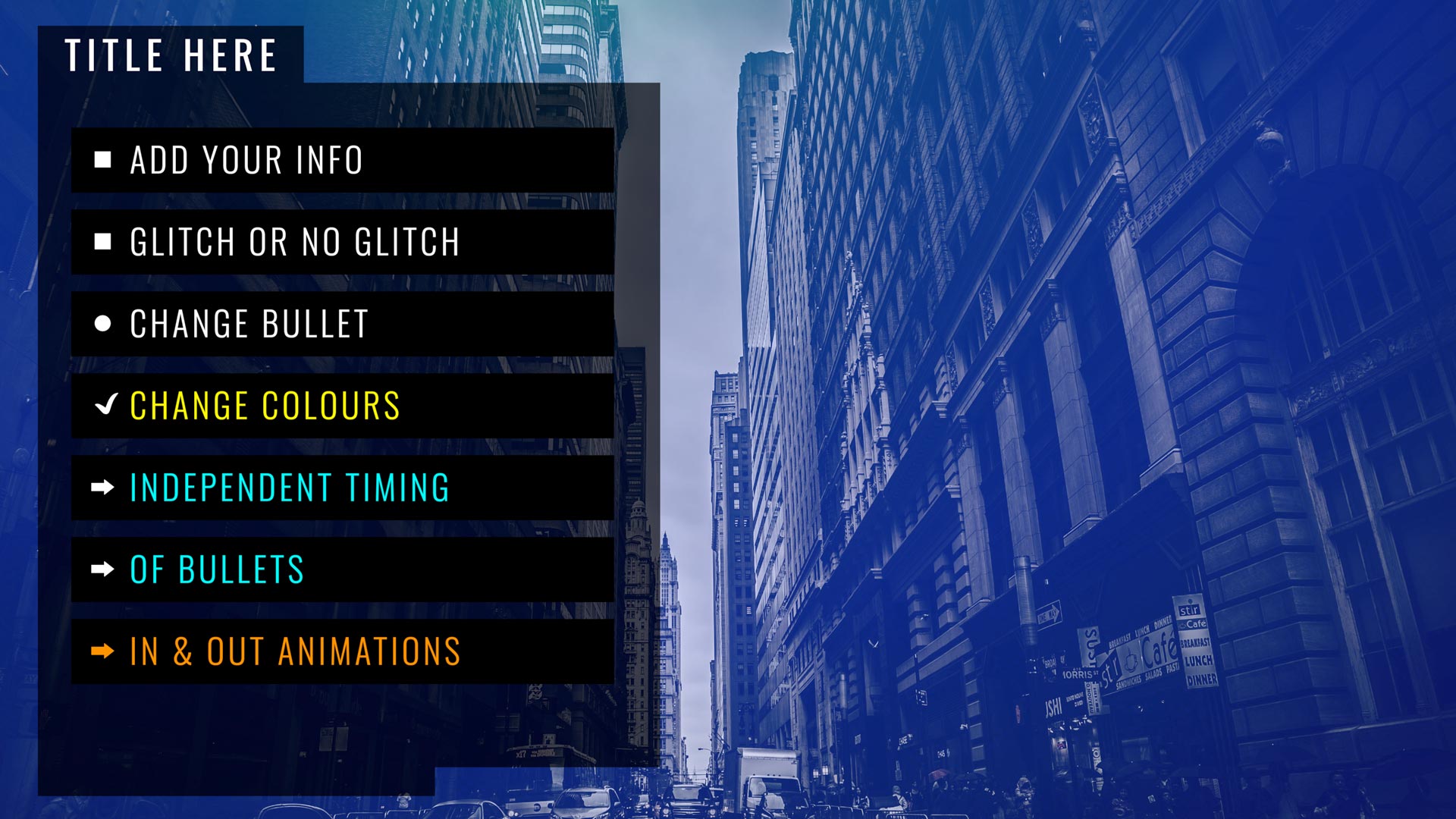
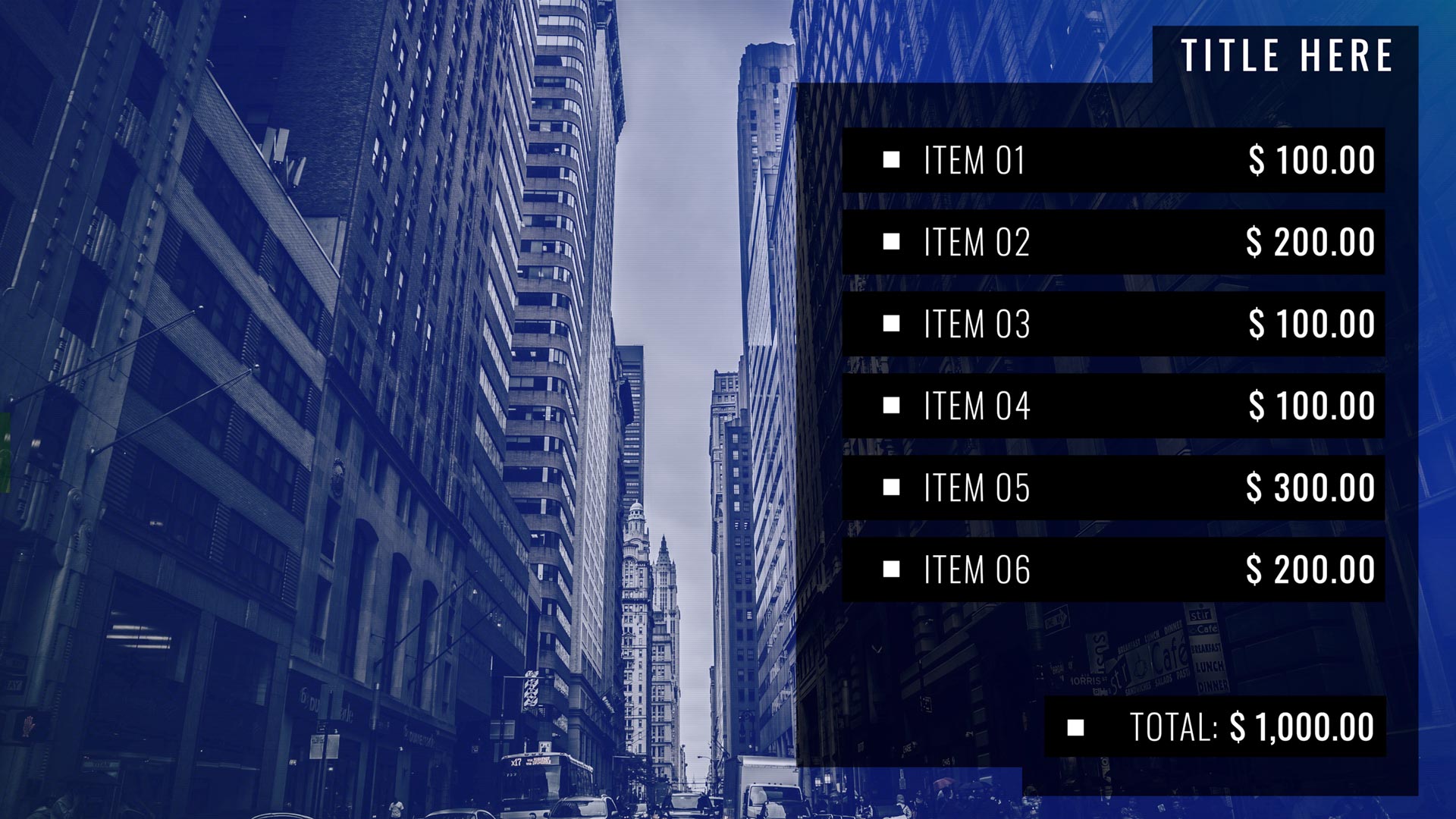
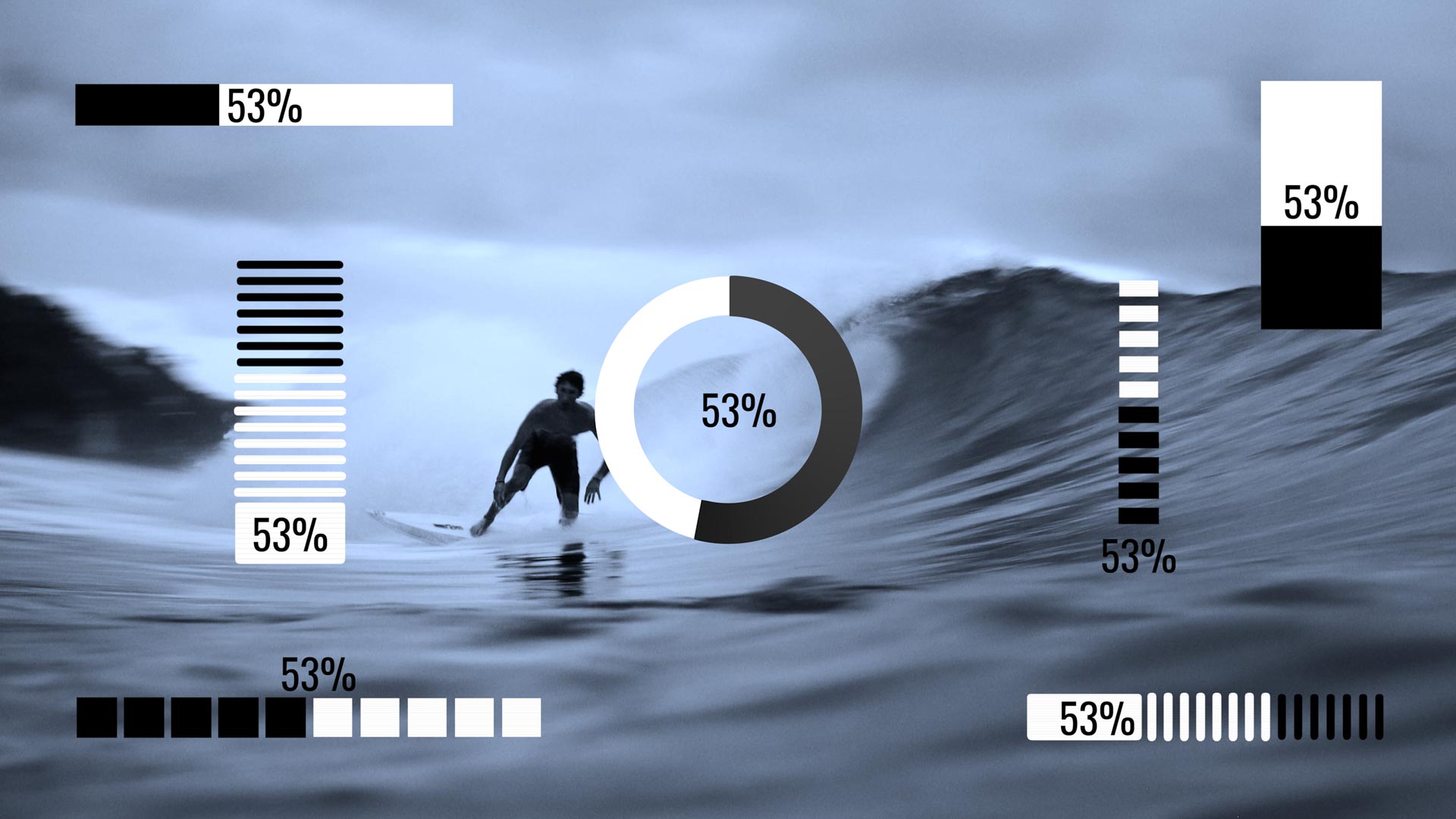
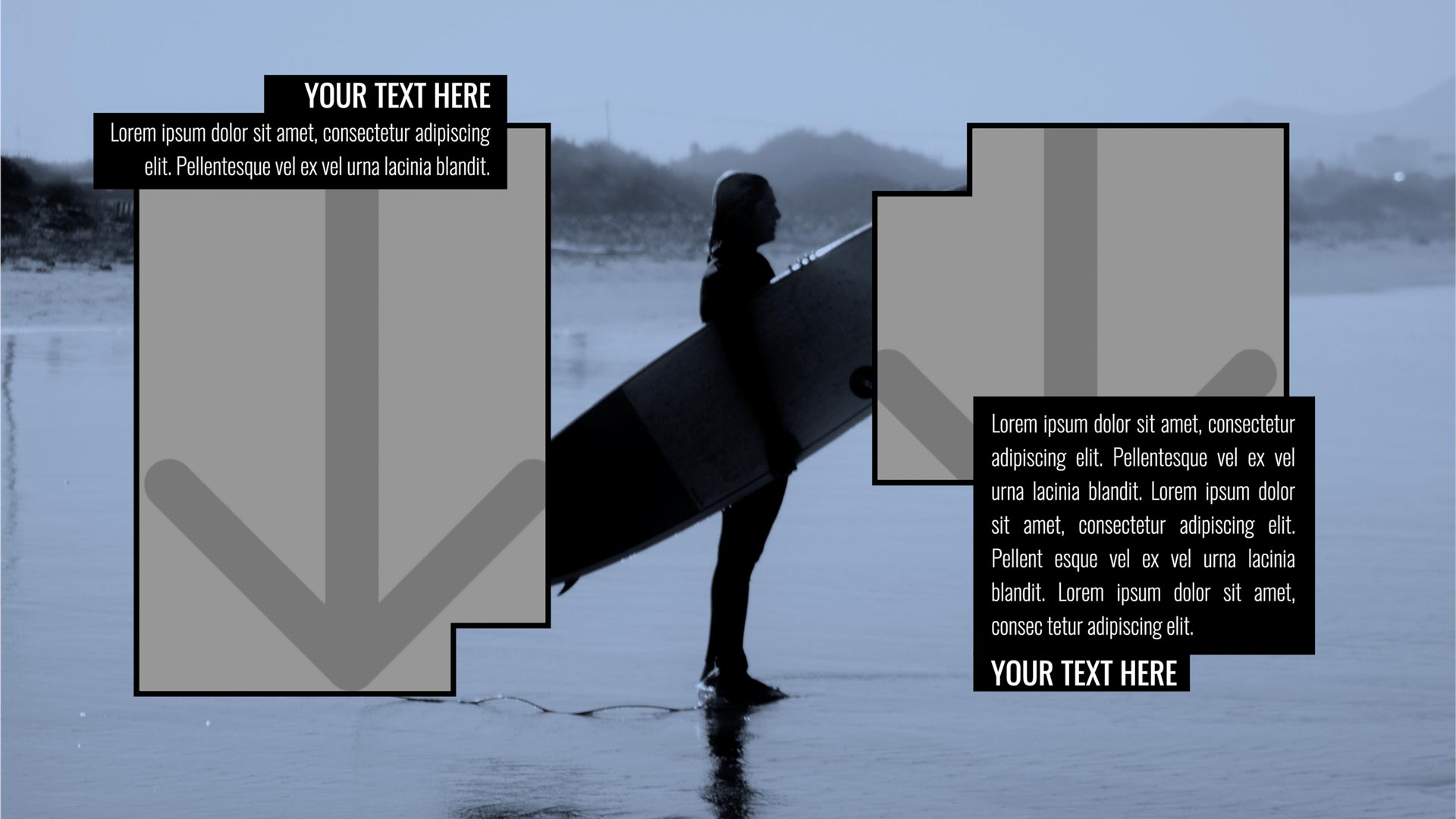
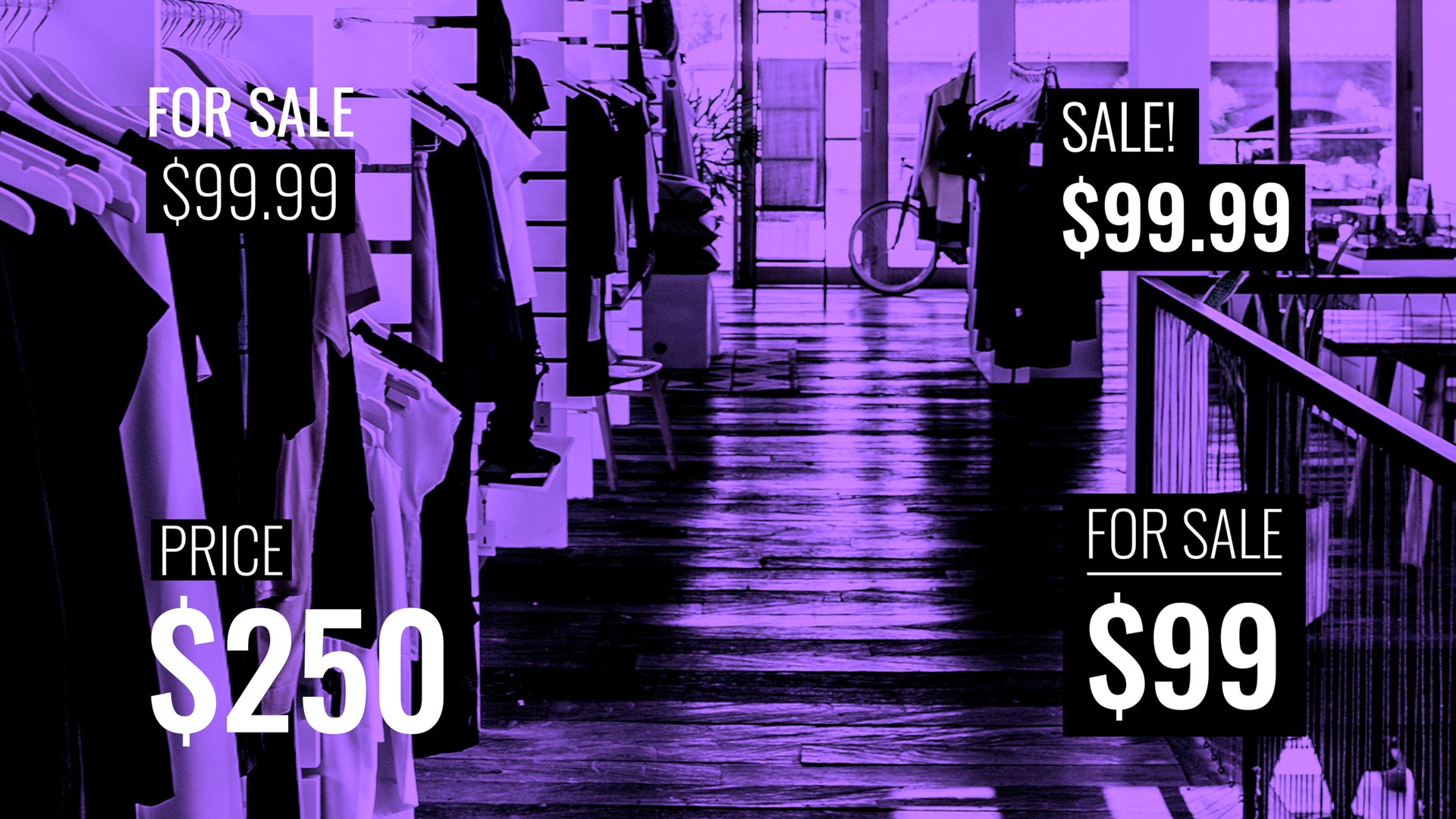
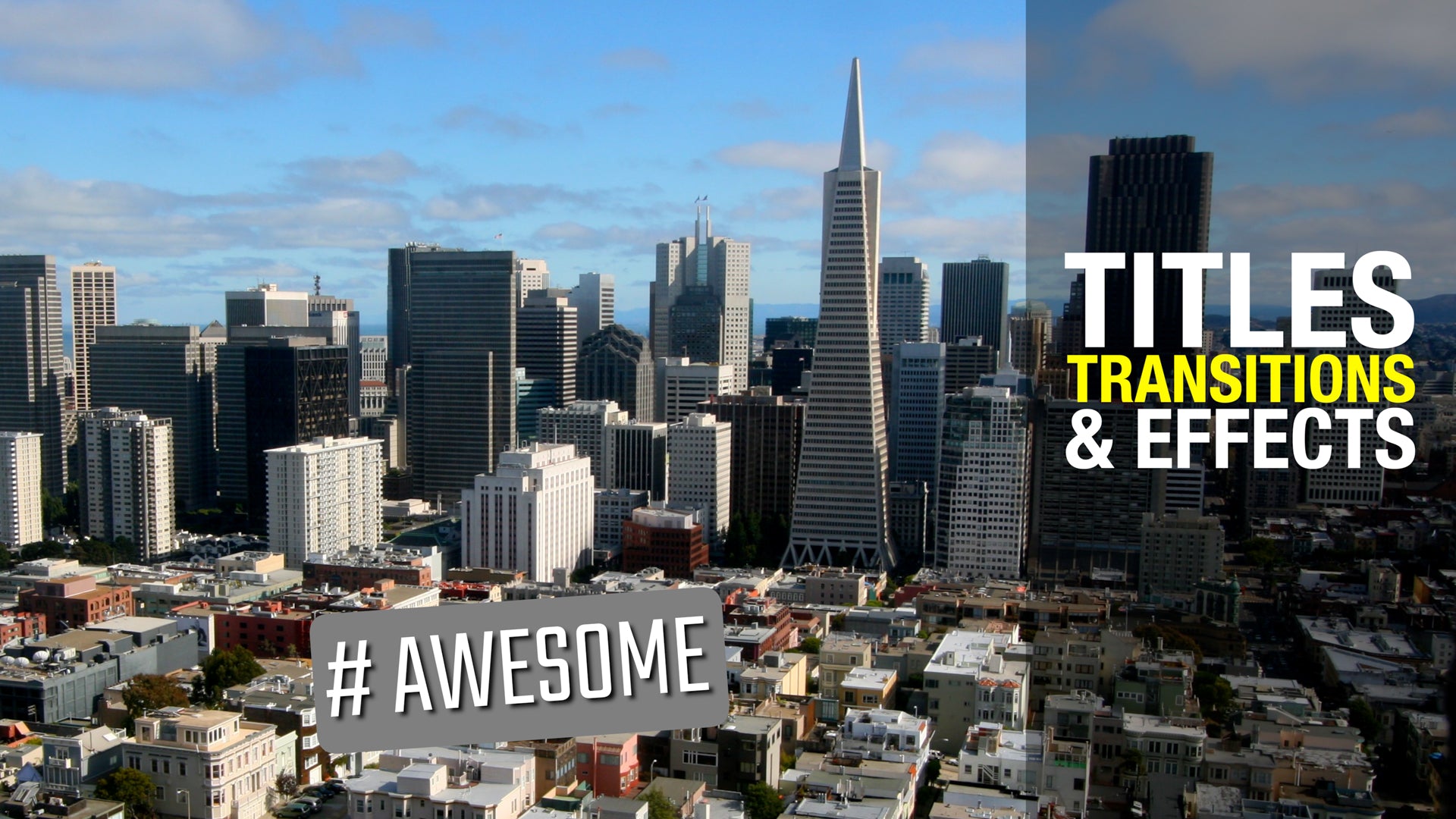
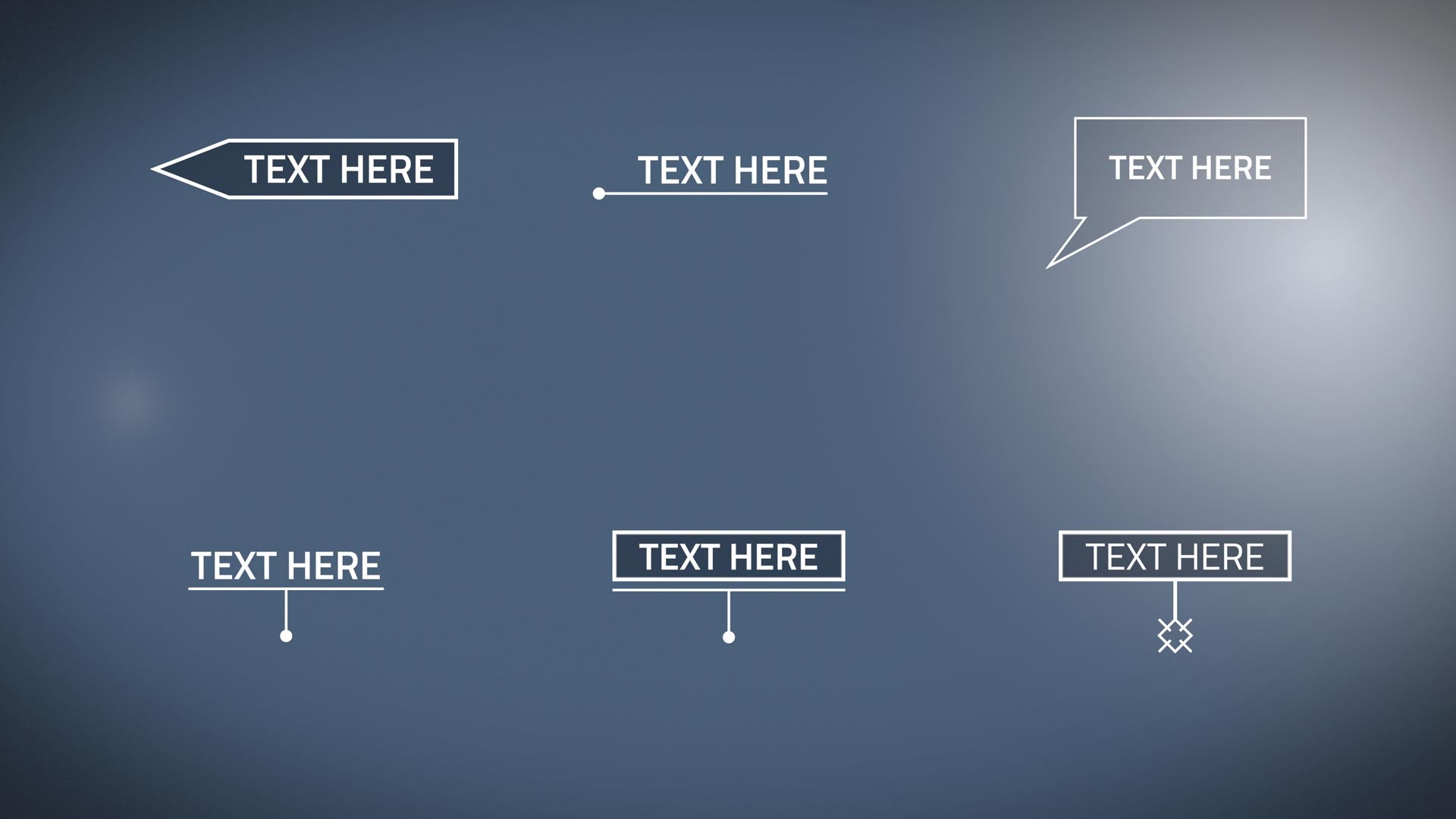
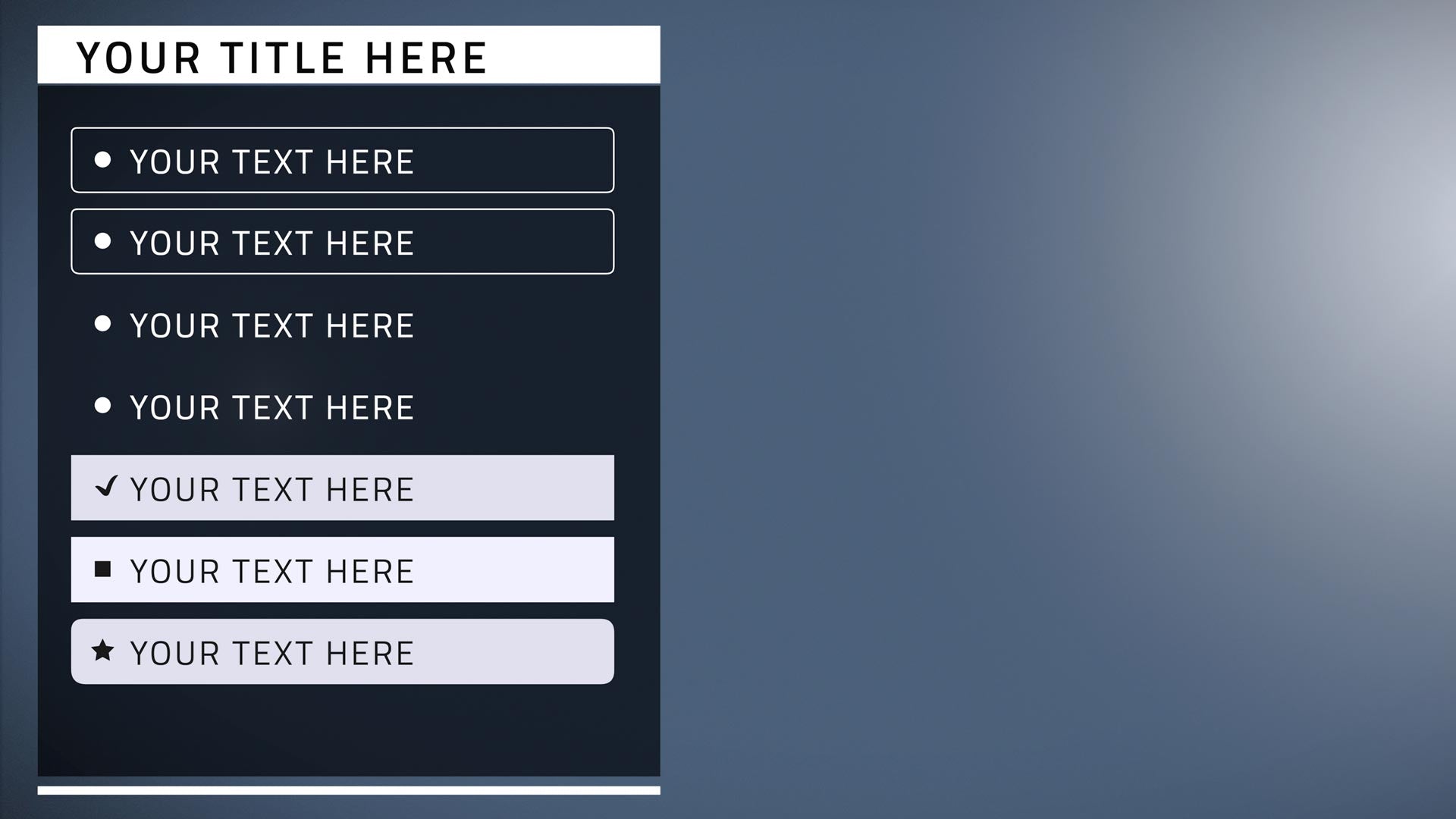
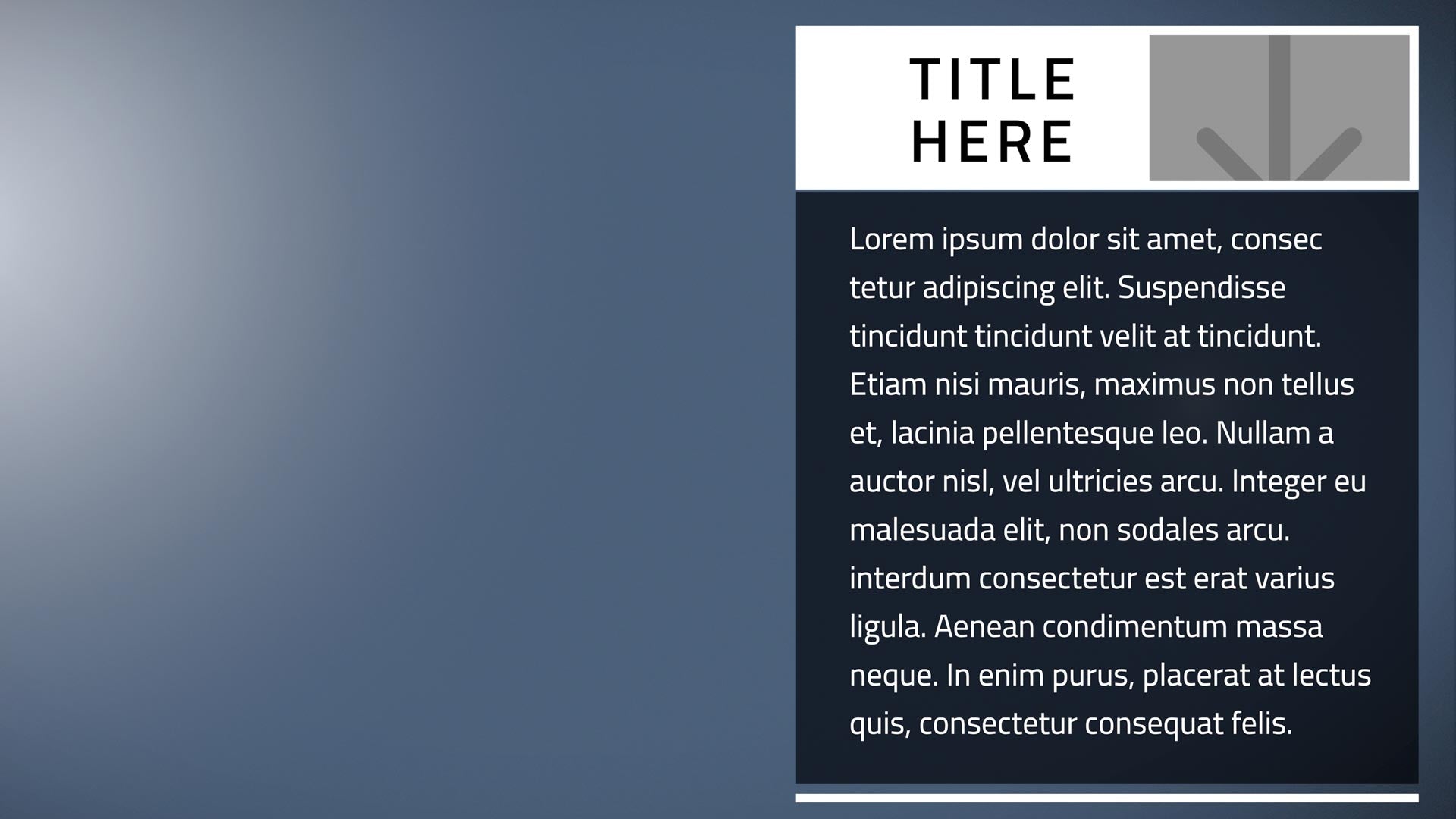
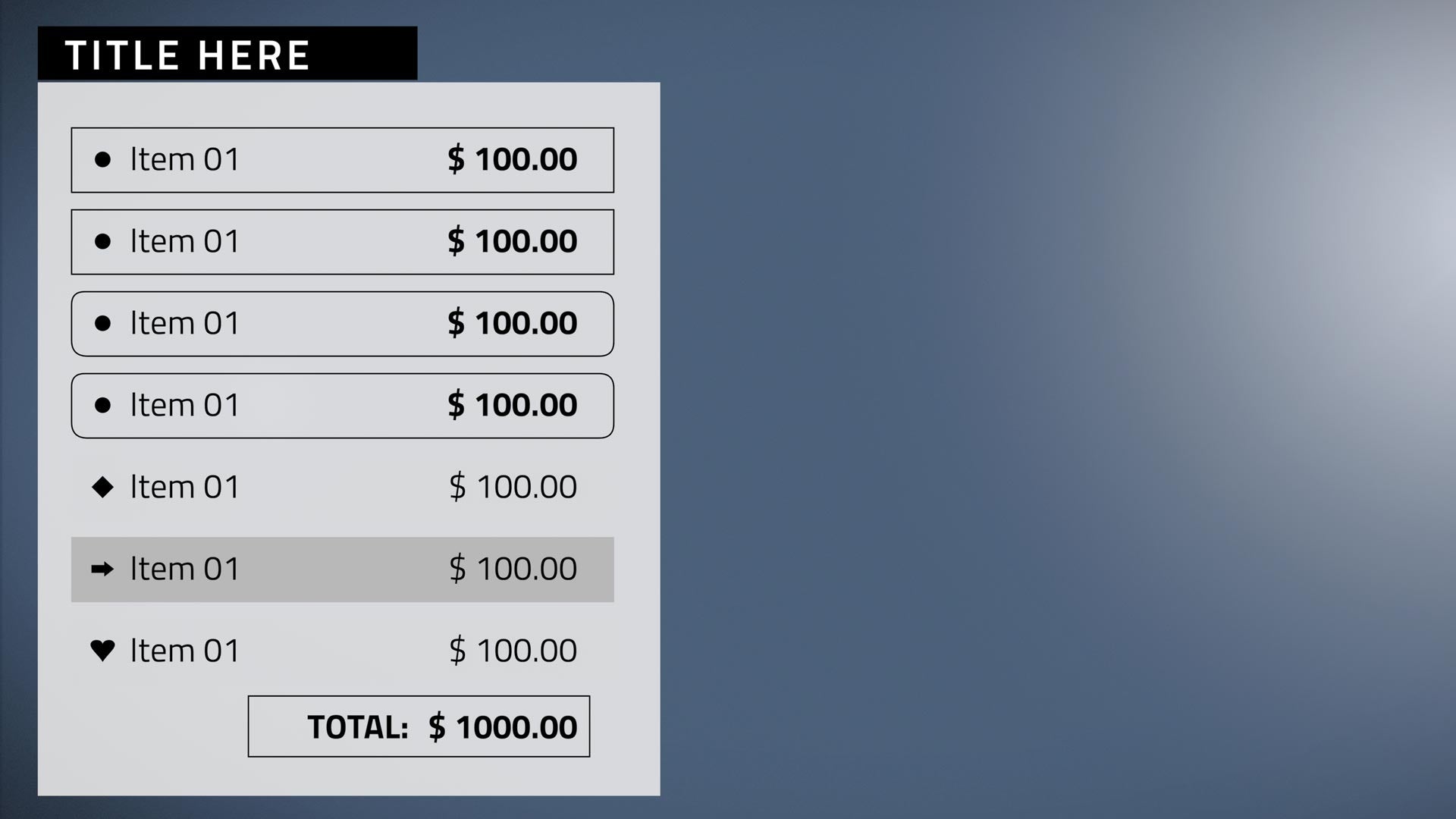
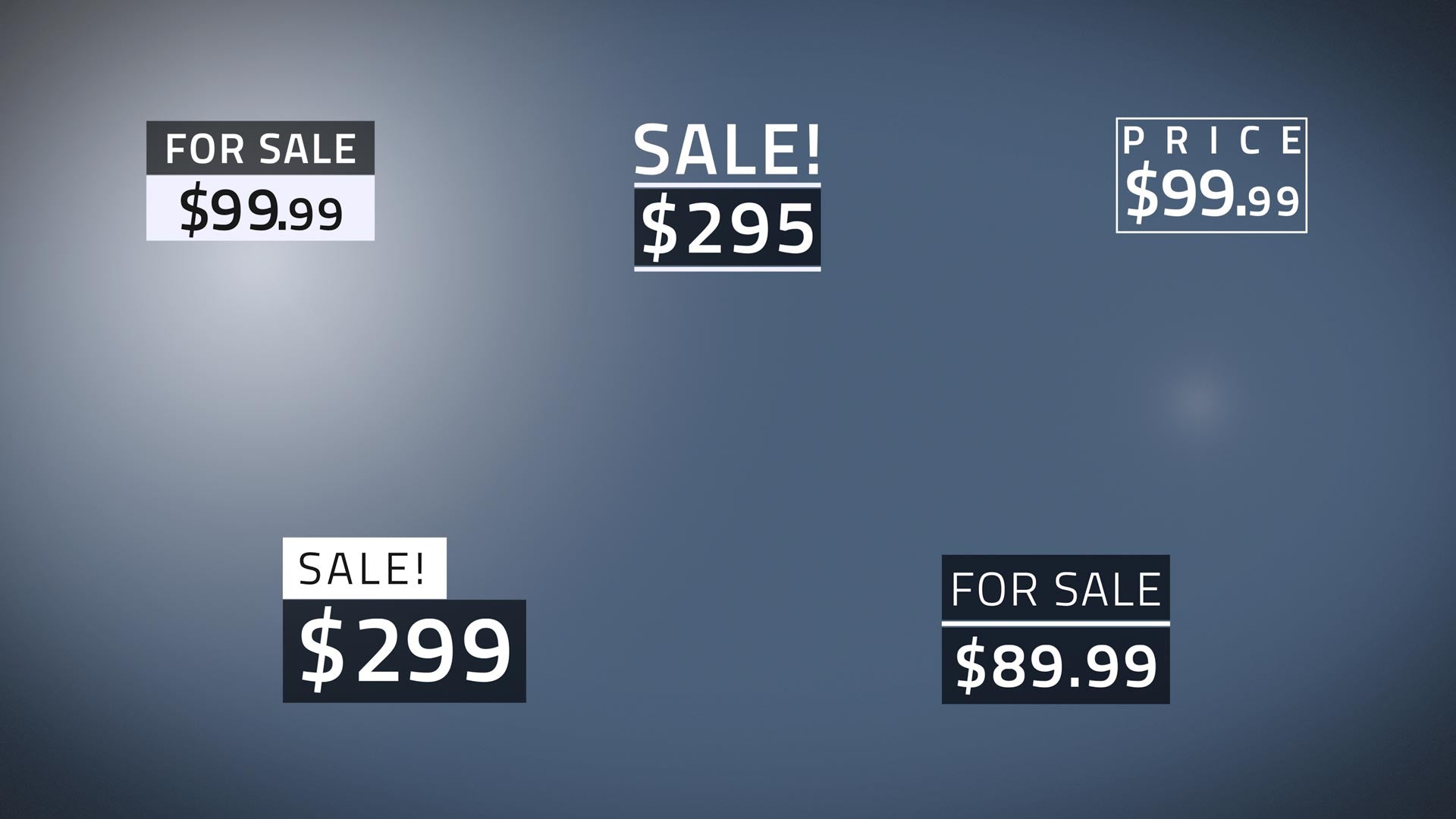
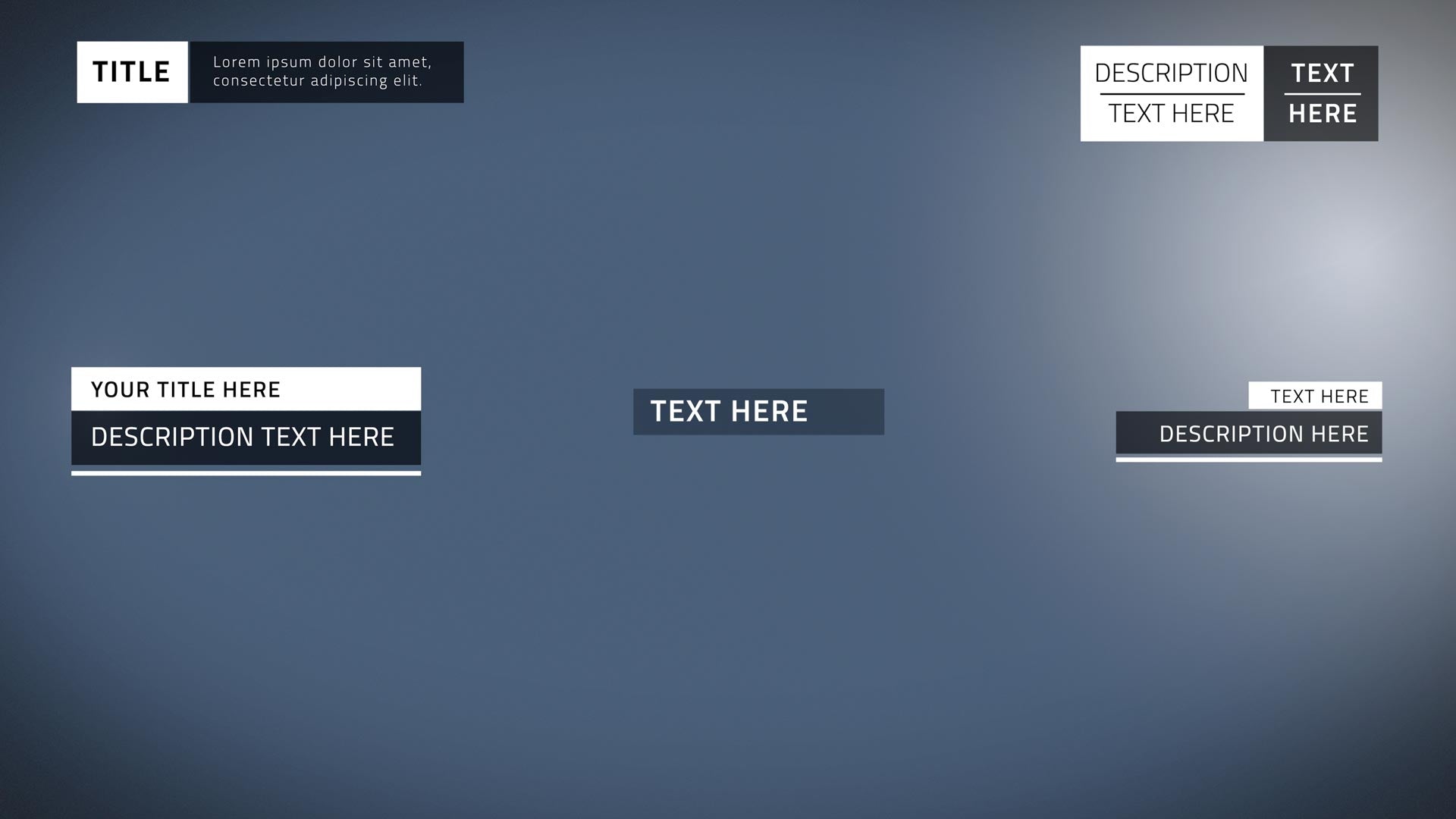
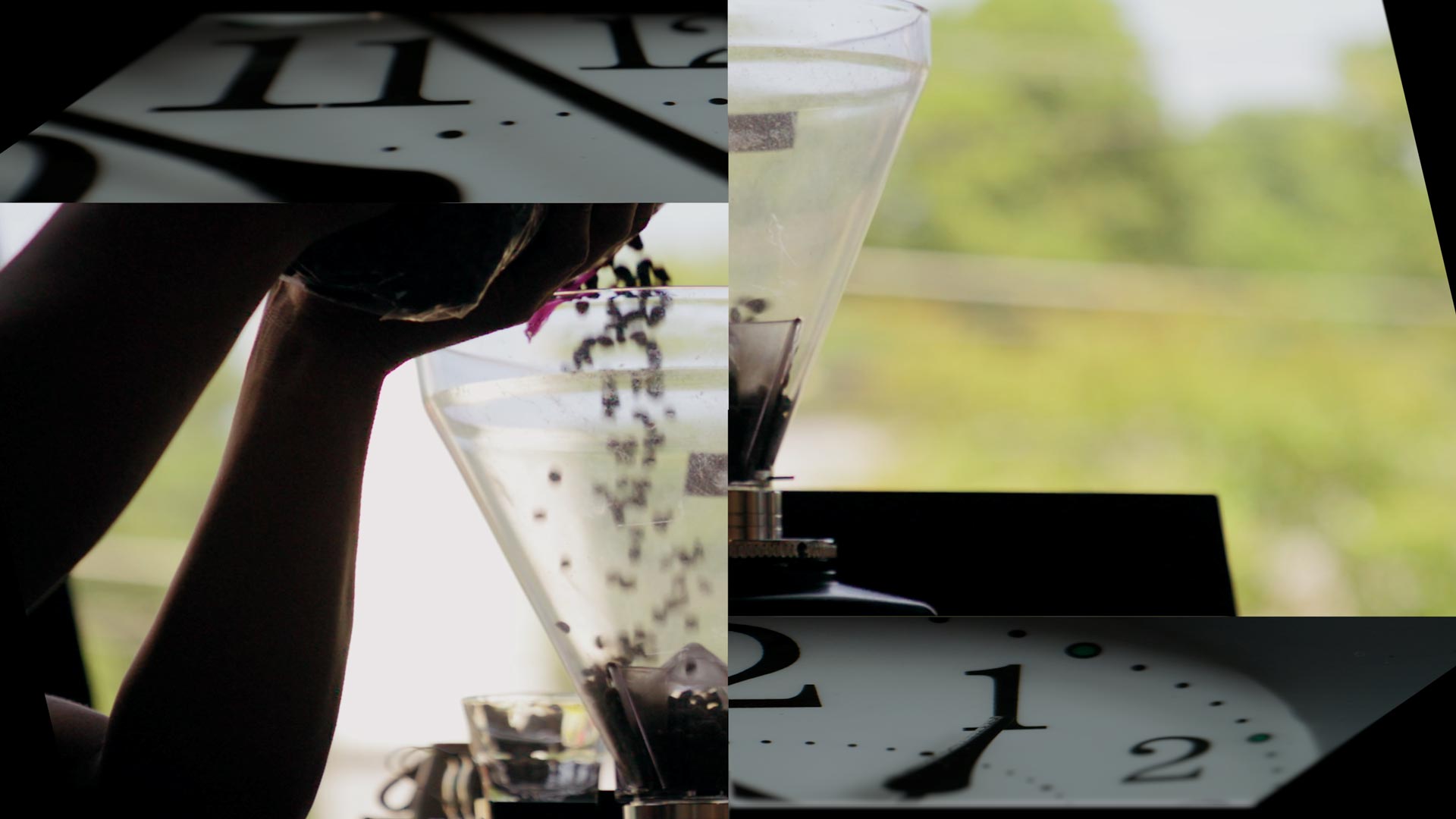
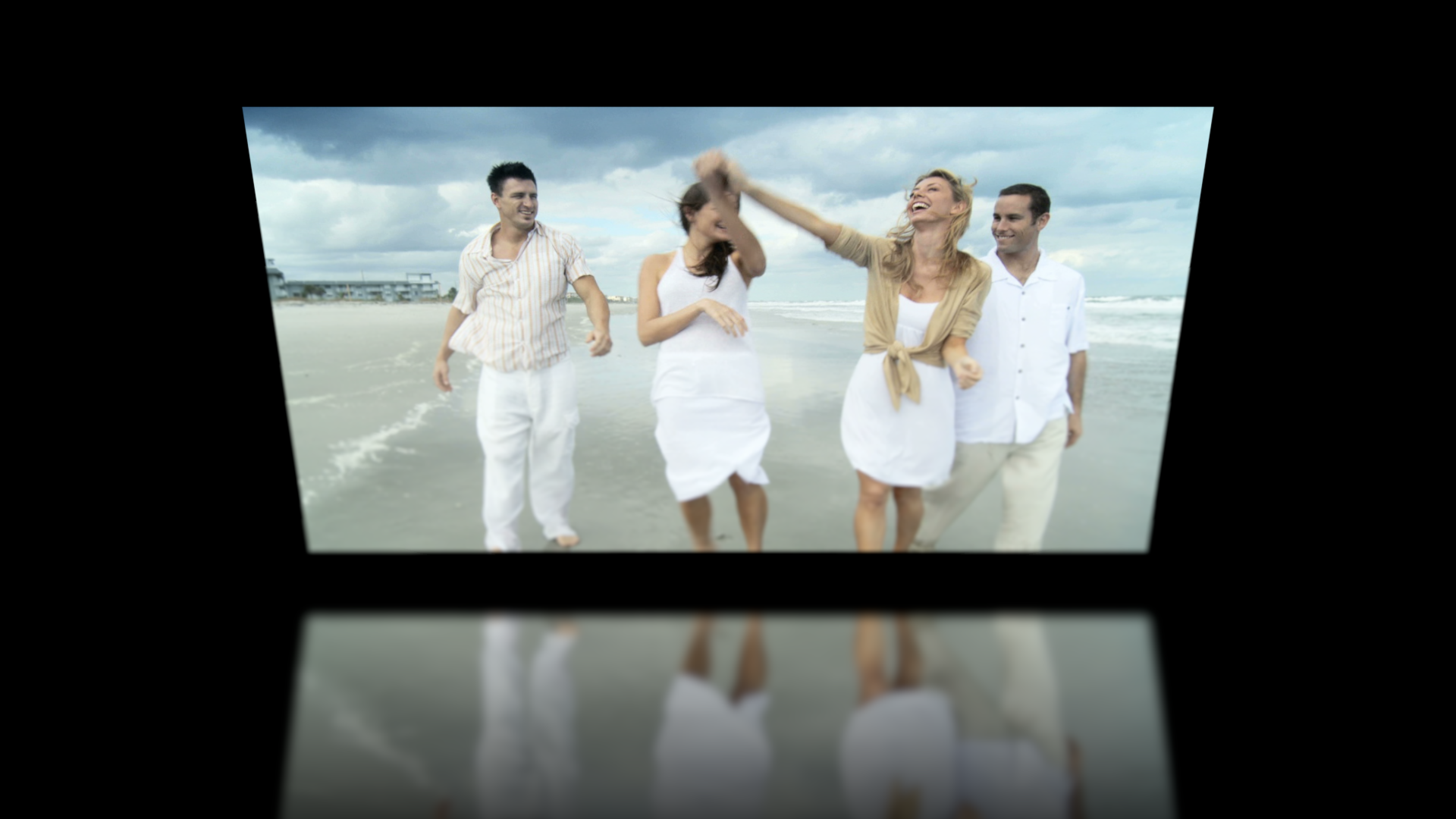
Build beautiful continuous scrolling presentations directly in your Final Cut Pro X timeline with XEffects Scrolling Slideshow. Effects moves, text titles and transitions all combine easily to produce smooth animating slideshows in minutes. Add overlays, screen pumps and motion blur for a final artistic polish.
The pack contains 31 plugins made up of effect moves, text titles, sliding transitions and overlays. Apply directly to images or videos without using clumsy dropzones or needing keyframes.
Animate the image moves up, down or zoom in or out. Fine tune the speed. The text vertical moves or zooms match the motion of the image or video underneath.
Text elements have over 30 built-in colour selections or choose your own to match a corporate colour scheme or theme.
Features
Use photos, graphics or moving video
Use any up or down vertical speed and/or zoom in or out
Image and text moves match perfectly
Auto animating so no fiddly keyframing
No clumsy Drop Zones, audio is maintained in sync
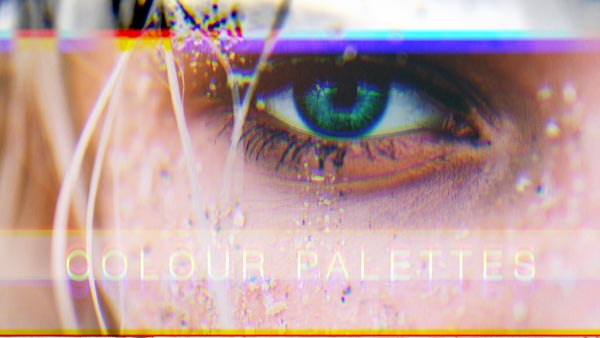
Built-in text colour palettes or use your own
On Screen Controls for text placement anywhere on frame
Description BUY XTheme Action XTheme Action is a Complete Graphic Package for Final Cut Pro consisting of over 120 plugins. Its high energy is perfect for any production that needs...
Description BUY XEFFECTS VIRAL VIDEO Go Viral! Get your message across by adding dynamic boxed text and side panel annotations. Fully customisable for font, colour, background, position and animations. New...
Description BUY XTheme Tech XTheme Tech is a Complete Graphic Package for Final Cut Pro consisting of over 115 plugins.All the elements have a consistent design that enables editors to...
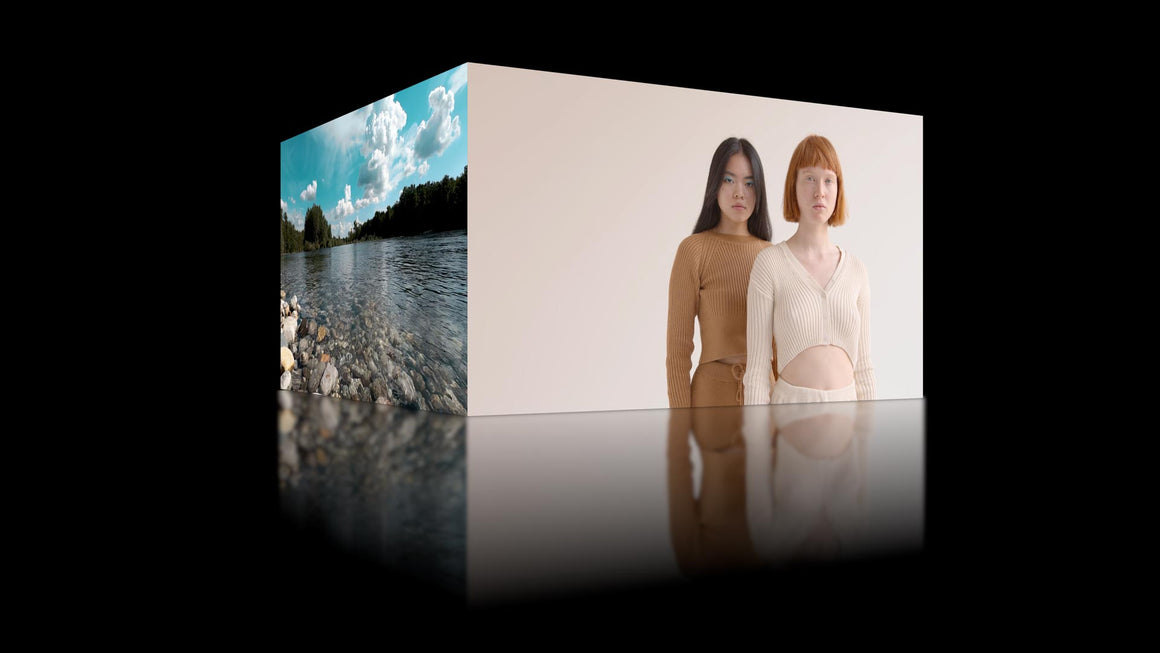
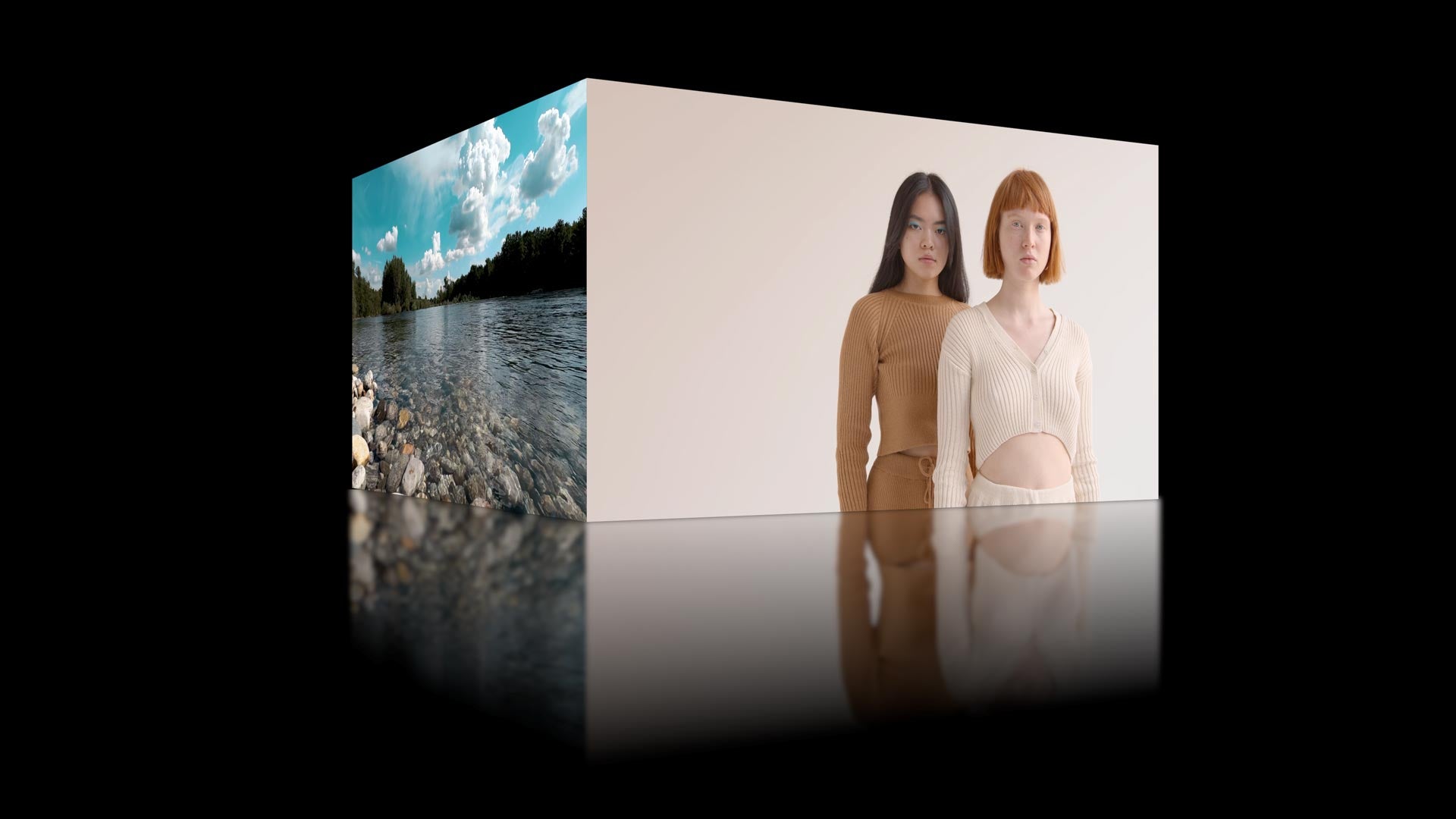
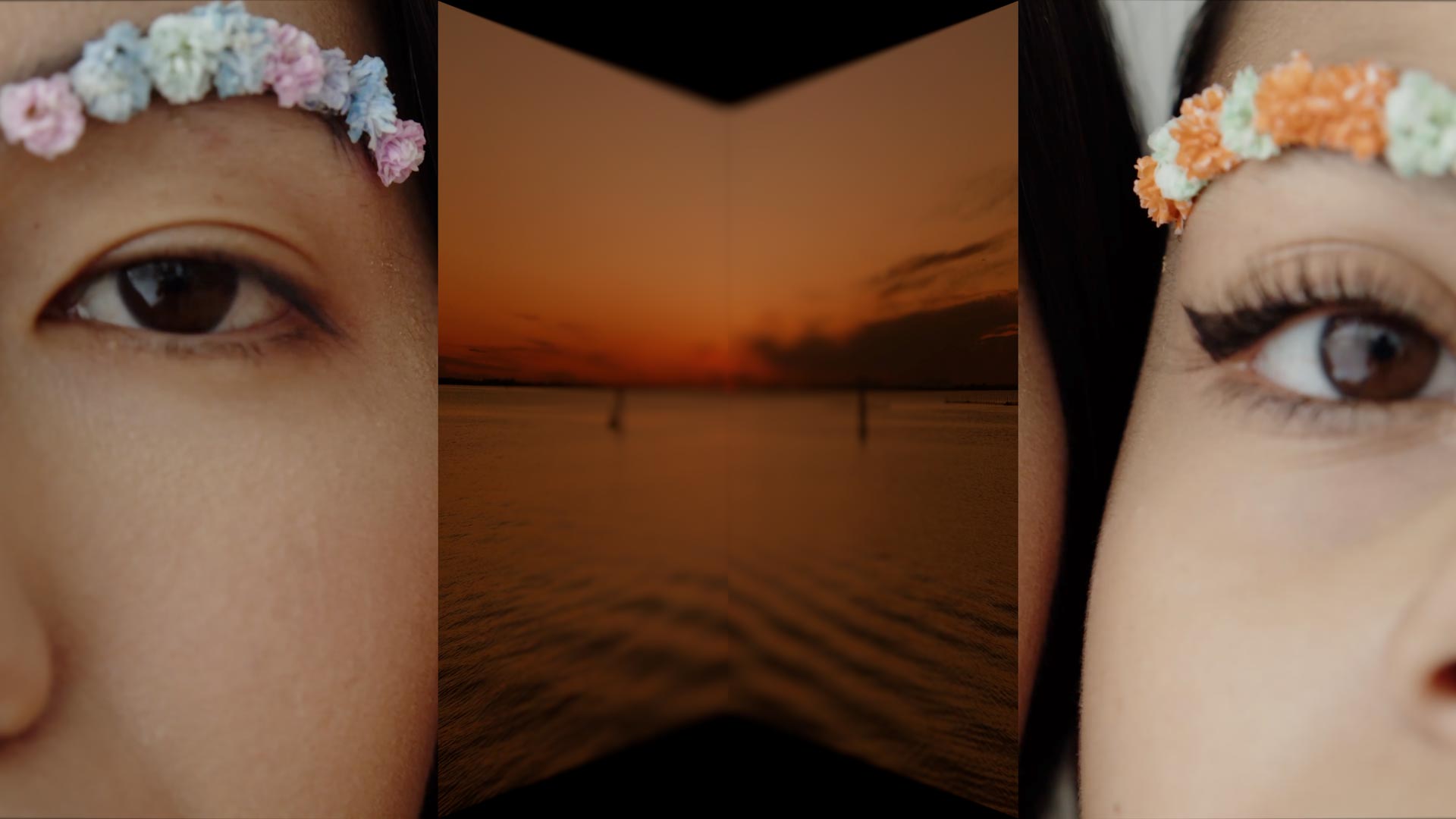
Description XEffects 3D Transitions are 39 effects for Final Cut Pro X all built in 3D space with camera moves, variable focal lengths, shallow depth of field, lighting and reflections.10...