Description
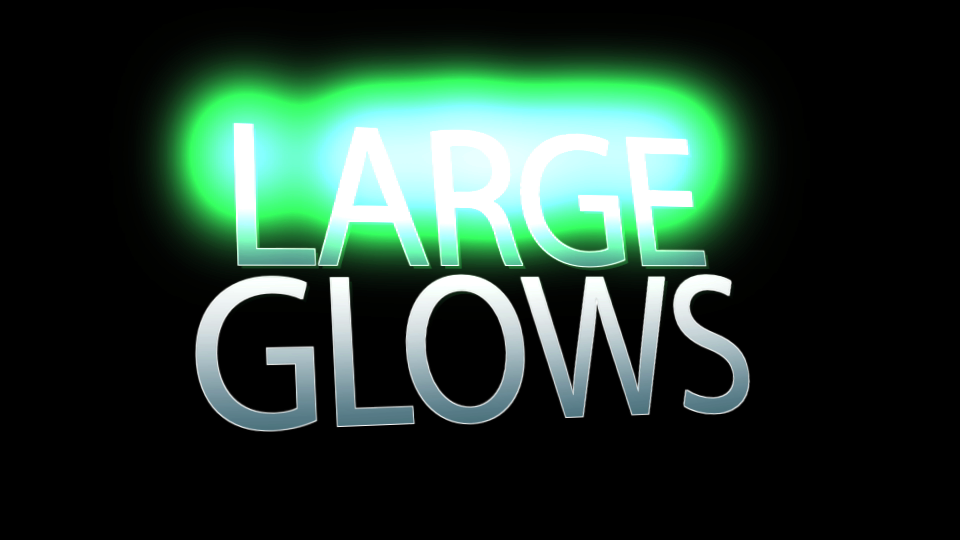
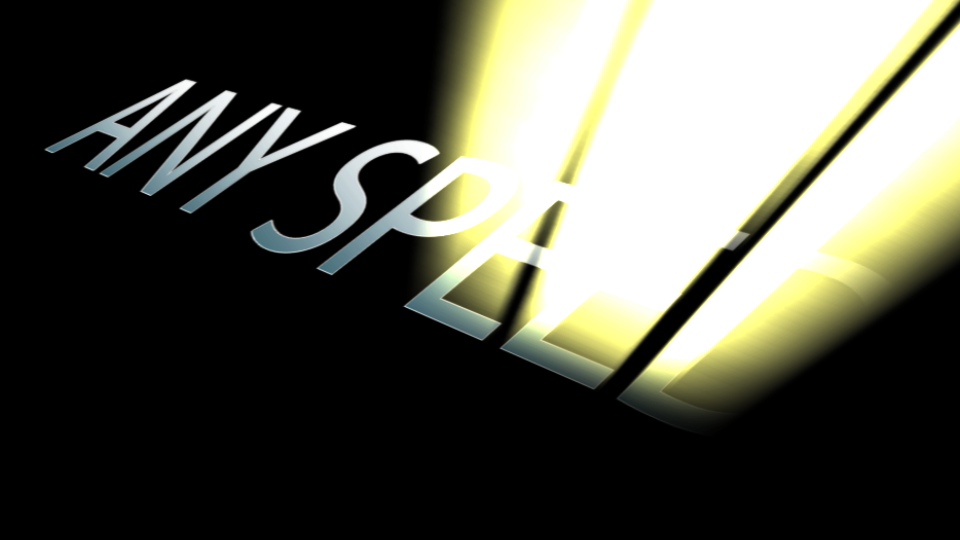
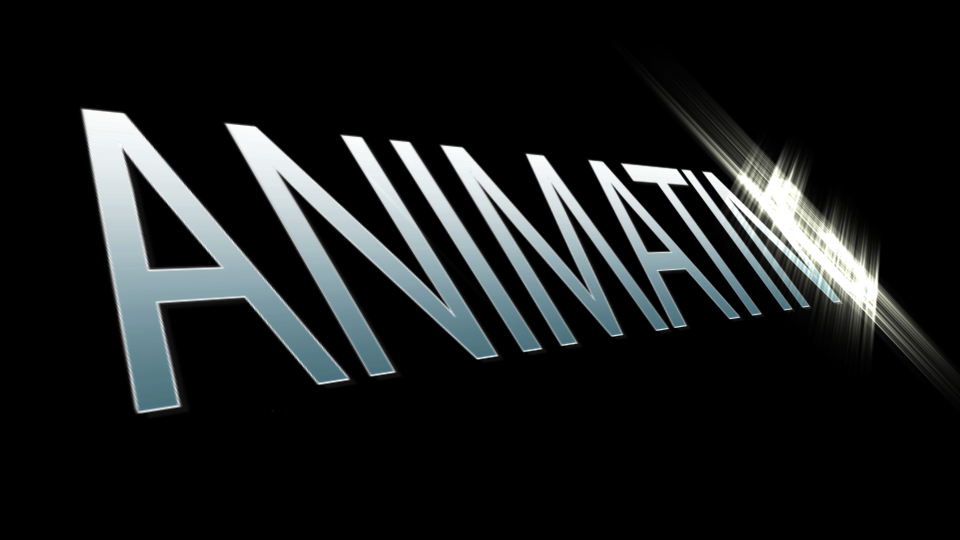
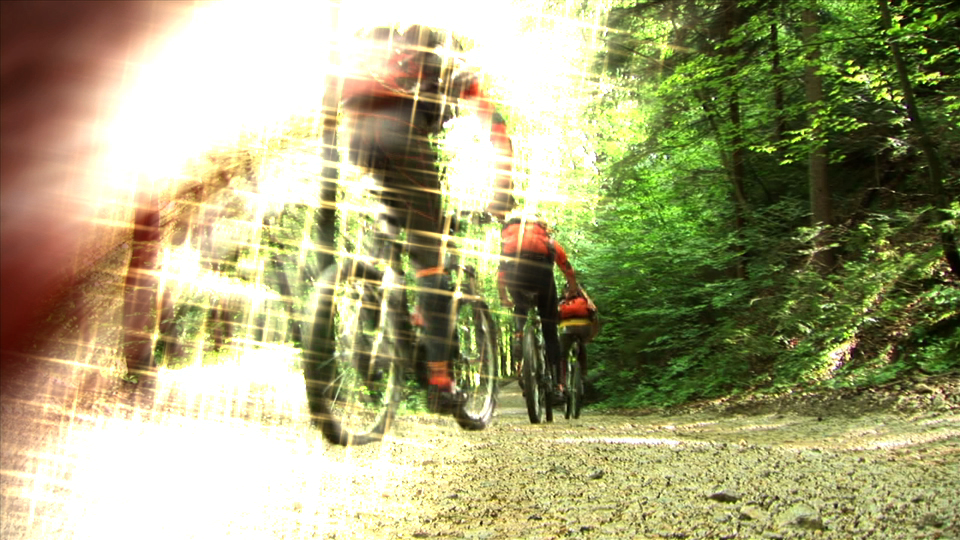
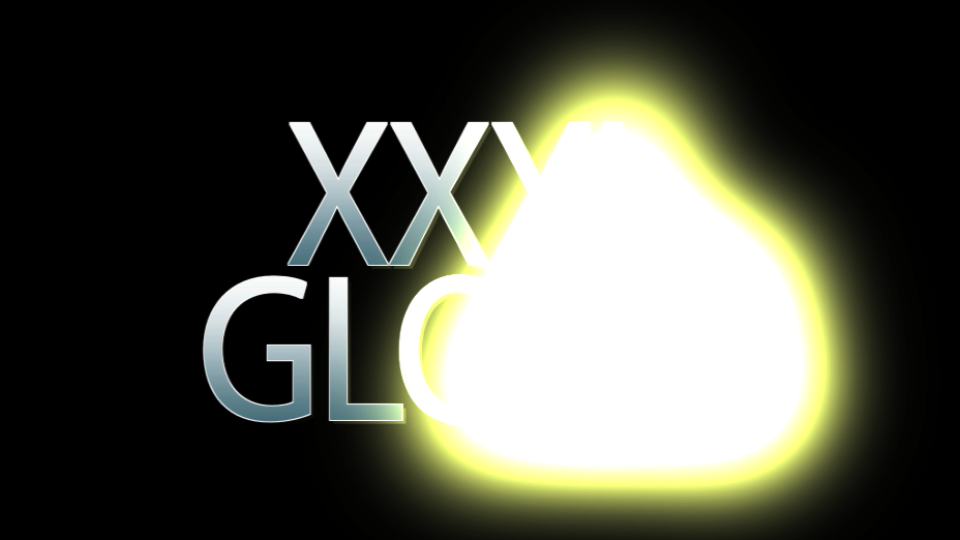
Explode video into stars or burn it up into smoke. Write on text with glitter or dissolve objects into bubbles. Add sparkle to transitions, or shatter into pixels. All are one click away with ParticleMetrix.
This revolutionary plugin turns live video, objects and text into particle emitters. Literally blow anything up into thousands of particles using pre-loaded or user specified pieces. Build objects from particles by toggling the effect to reverse.
We don't stop there though, precise controls allow the user to emulate finer effects. Text can be blown away into sand, objects to dust. Video content moves even having been blown apart in 3D!
This plugin has been designed and optimised for FCPX, Motion, Adobe Premiere Pro and After Effects. (OSX) Full of presets, this plugin will give instant gloss and creativity. Easy to install & use this cutting edge plugin takes animating or revealing objects to a new level. |
Features
- Over 50 preset effects with thumbnail previews
- Use video, still or text
- Build on or explode off
- Built-in particles or use your own custom particle
- All particles can be moved in 3D
- Transition and effect versions
We are no longer selling this plugin due to M1 incompatibility. Please contact Support if you need any more information
Download Archive of ParticleMetrix.
Tutorials
Watch how easy it is to get stunning particle effects in FCPX with ParticleMetrix. The same effects are also avaialble in Motion and Adobe After Effects & Premiere Pro.
Installation
ParticleMetrix is installed through the FxFactory plugin management system. No purchase is necessary to install or use the free trial.
We recommend the following:
macOS High Sierra and macOS Mojave
Version 10.13 and 10.14
Final Cut Pro 10.4 and later
Motion 5.4 and later
After Effects CC 2015, CC 2017, CC 2018 and CC 2019
Version 13.5 or later
Premiere Pro CC 2015, CC 2017, CC 2018 and CC 2019
Version 10 or later
For installation problems or lost licence information, please contact FxFactory.